Artificial Intelligence is changing the way organizations work, but generic AI assistants often fail when it comes to company-specific data. To solve this, we implemented Microsoft Copilot Studio and connected it with a custom knowledge base. This made Copilot Studio capable of answering questions directly from our own documents, datasets, and trusted web sources.
Creating the Knowledge Base
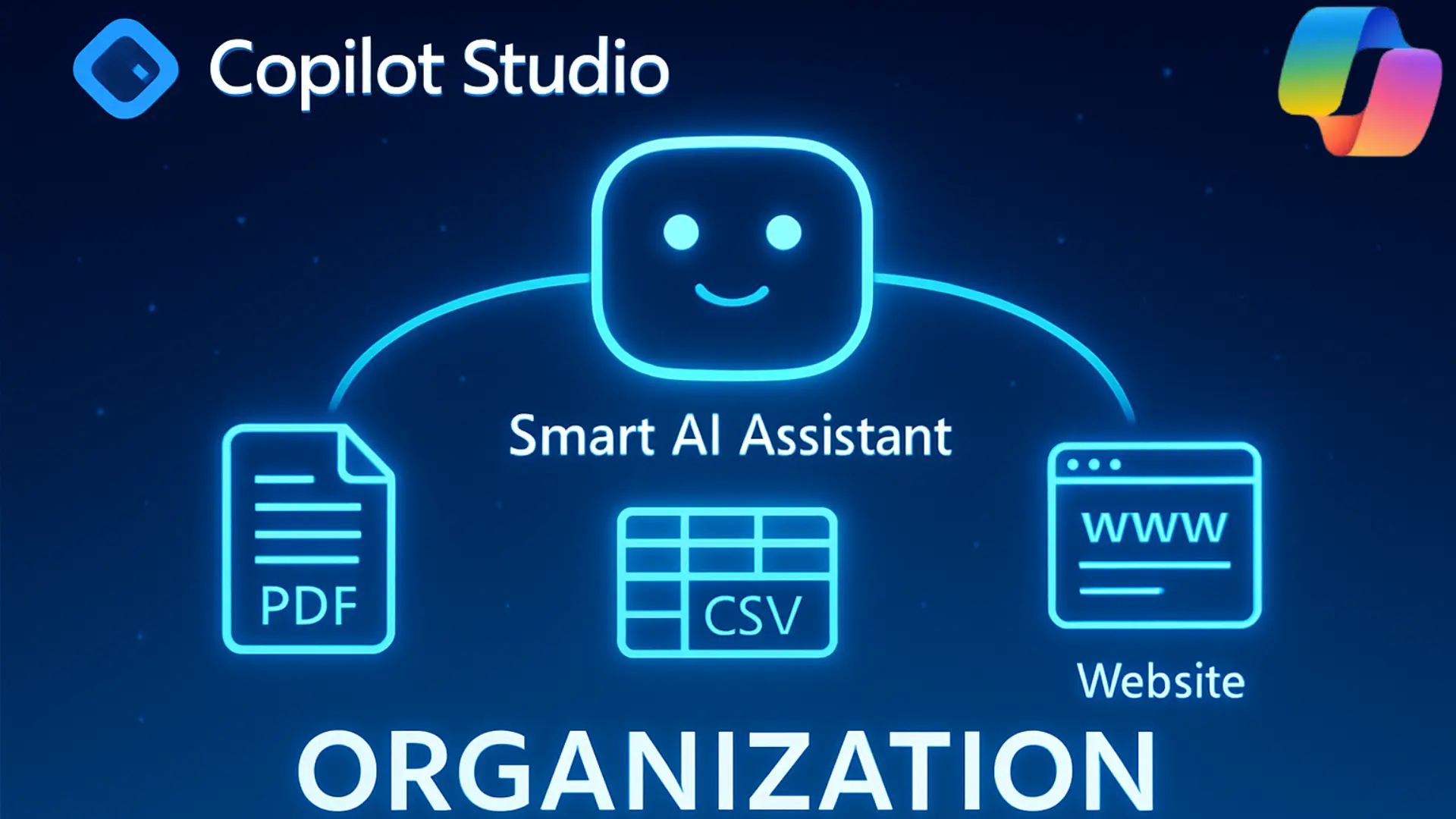
We brought together the most important sources of information that our team uses on a daily basis. These included PDF files with detailed documentation, CSV files containing structured records, and website links with reliable reference material. By combining these different sources, Copilot Studio was given the context it needed to deliver meaningful and accurate responses.
How Copilot Studio Responds
Once everything was connected, we started asking questions. The results were clear:
- Answers from PDFs came directly from the uploaded documentation, where all the necessary details were stored for which the chatbot was being built.
- Information from CSV files was fetched easily, as they contain the records our team works with.
- You can also use the website links, including your own website, to fetch accurate reference details.
- And whenever additional context was needed, we could enable web search to expand the scope beyond our internal data.
This combination of internal data and optional web search made Copilot Studio flexible enough to handle both company-specific and general queries.
Similarly, AI-driven service environments such as Salesforce leverage knowledge-grounded agents to handle customer interactions efficiently. These agents use structured data, predefined actions, and contextual understanding to respond accurately and escalate when needed.
Benefits of the Setup
Building this knowledge base has transformed Copilot Studio from a simple chatbot into a powerful digital assistant. It saves time by giving instant answers, ensures accuracy by relying on verified sources, and provides flexibility by mixing internal knowledge with web search. Most importantly, it makes information retrieval faster and decision-making more reliable.
Another advantage is that once we build a chatbot on Copilot, we can use it anywhere—for example, by embedding it into a web app or integrating it with other platforms to assist users directly where they need it.
Benefits of the Setup
While Microsoft Copilot Studio enables powerful knowledge-based assistants, organizations working within the Salesforce ecosystem can also build intelligent AI agents tailored to business workflows. Developers can configure custom actions, integrate APIs, define prompts, and create automation flows to enhance AI-driven operations across service, sales, and operations.
For a deeper technical dive into building scalable AI agents within Salesforce, explore our detailed guide on
Agentforce for Developers.
Conclusion
By integrating multiple data sources into Microsoft Copilot Studio, we created a smart, reliable, and flexible knowledge base. Copilot now delivers accurate answers from our data and can be deployed across platforms like web apps, making it even more powerful and accessible.
As businesses explore advanced AI solutions across platforms, understanding how intelligent agents function within enterprise ecosystems is crucial. To explore AI-powered agents built for Salesforce environments, visit our comprehensive Agentforce page.
Have any questions? Feel free to drop an email to support@astreait.com or visit astreait.com to schedule a consultation.