Lumin is a native Salesforce integration that streamlines the entire staffing lifecycle—from client onboarding to contract management—eliminating manual data entry and ensuring compliant eSignatures. This blog details the end-to-end process, starting with Account creation, progressing through Job Order, Candidate, Placement, and Contract stages, powered by Salesforce Flows and Lumin document generation.
Install Lumin App:
Lumin for HR staffing automates hiring documents in Salesforce by generating, eSigning, and tracking them in real time, reducing manual effort and speeding up the process.
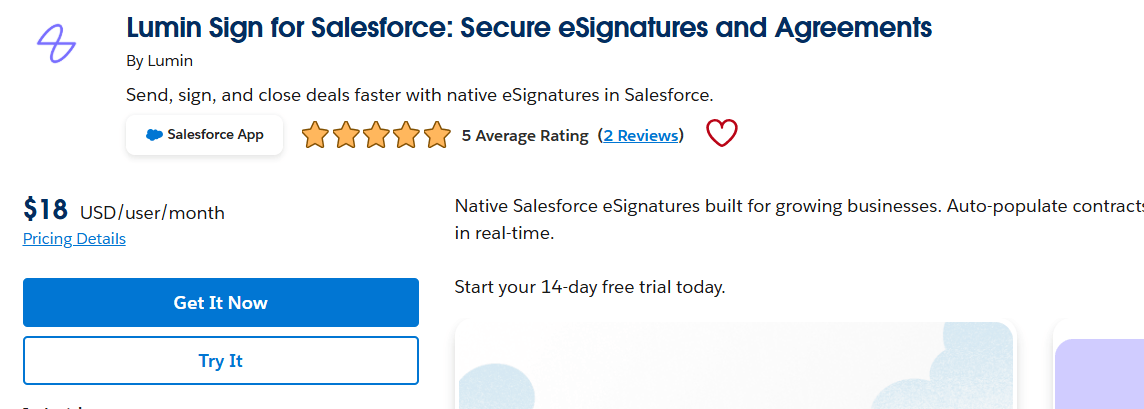
Get it from AppExchange and follow Lumin's setup guide: Lumin Salesforce Integration
Client Onboarding via Account Creation
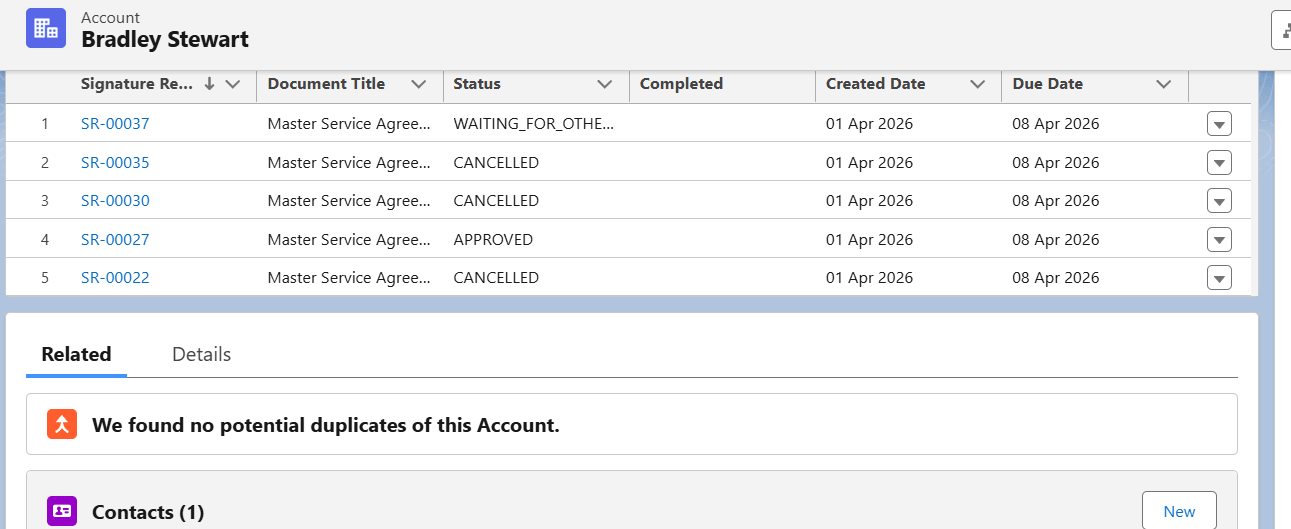
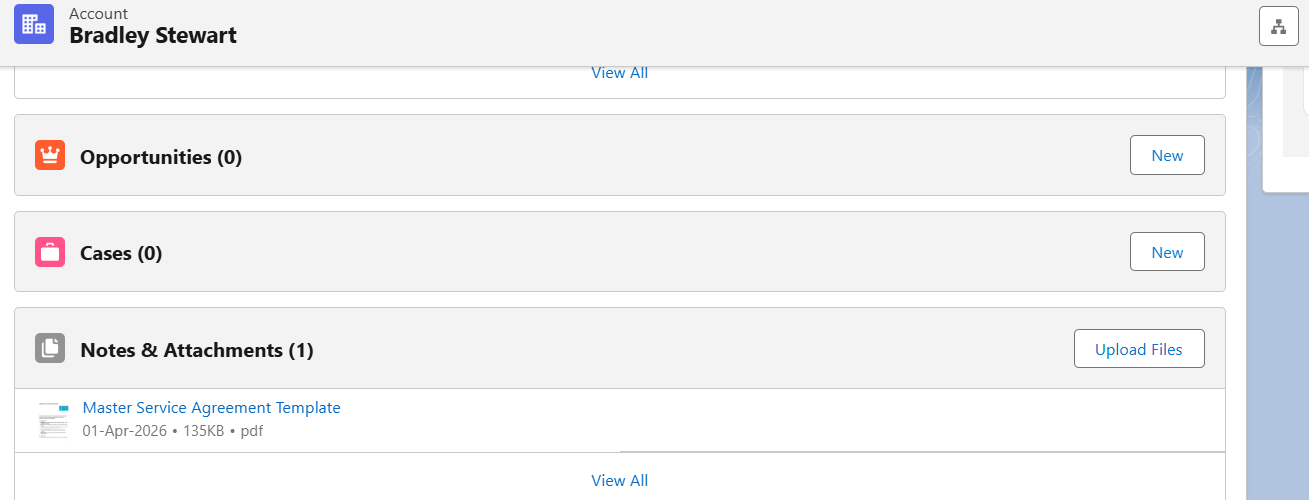
The process starts when a user creates an Account and enters client details such as company legal name, address, billing terms, MSA status, and tier. After the Account is created, the system automatically generates a master service agreement with the Account details prefilled and sends it to the client and legal approver for signature. The sign request is delivered by email, where the recipient opens the document, clicks Review and Sign, starts the signing process, and finishes the signature. Once both signatures are completed, the signed document is automatically attached to the record.
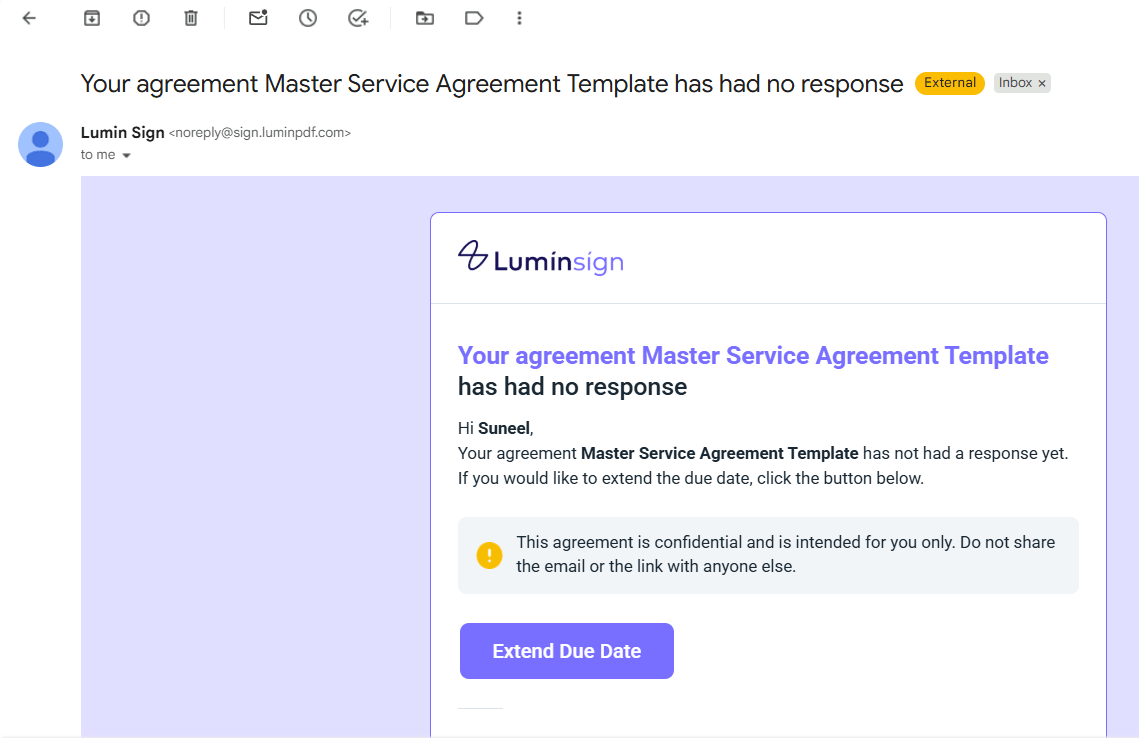
How Lumin's Email Alerts Make eSigning Effortless
Document attached to the record.
Job Order Creation
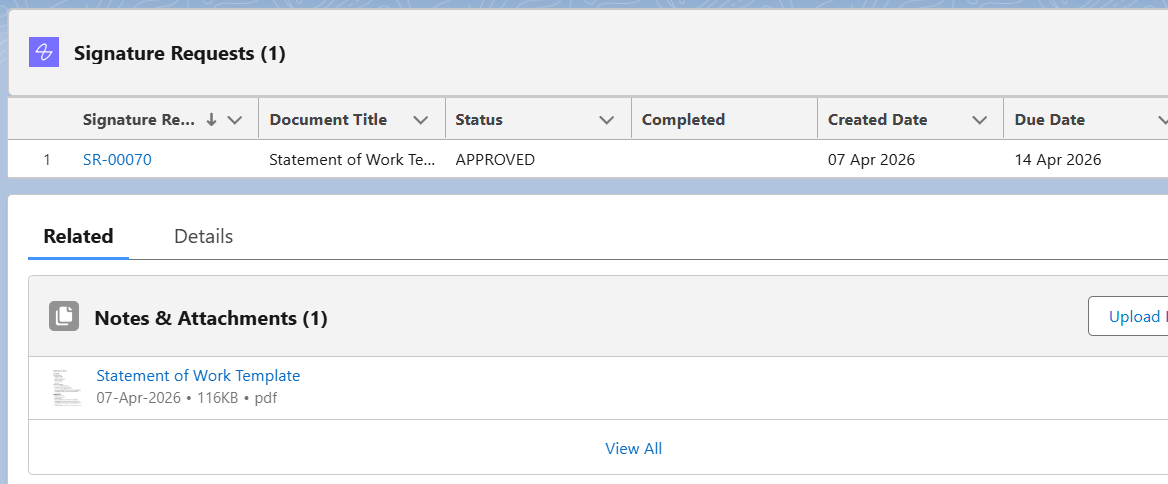
Next, the user creates a Job Order under the Account to represent an open position and enter details like job title, location, work type, and duration. After creation, the system generates a statement of work using prefilled record data and sends it to the client and account manager for signature. The sign request is sent by email, where recipients open the document, review it, sign, and finish. Once both signatures are completed, the signed document is automatically attached to the record.
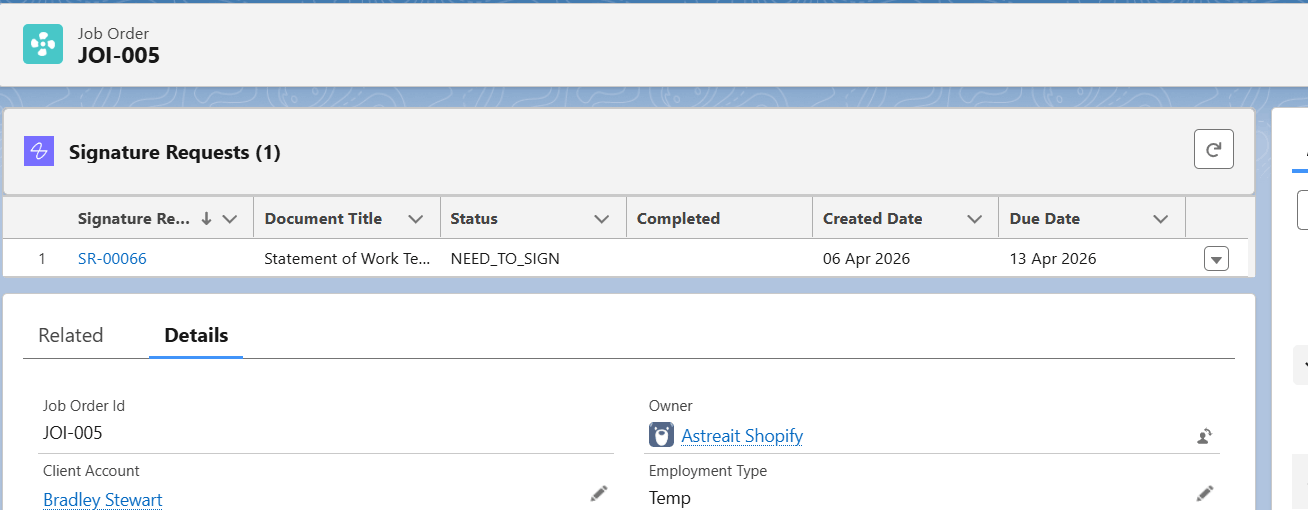
Document attached to the record.
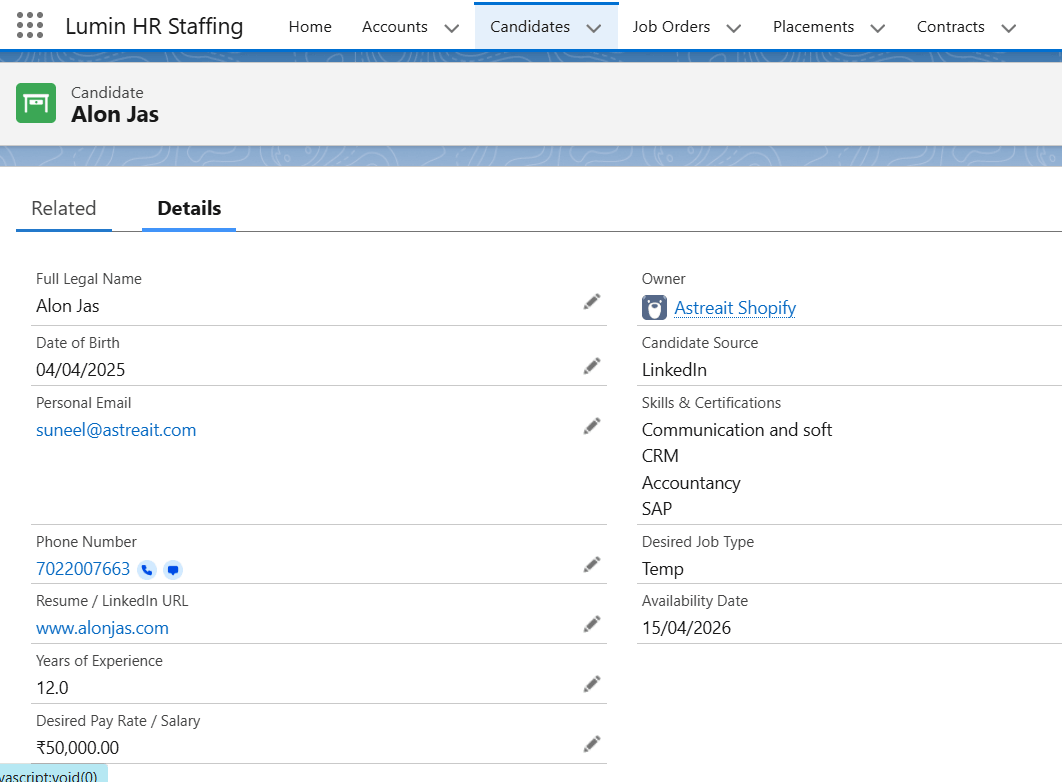
Candidate Record Setup
Then movies to candidate records capture personal details, skills, pay expectations, and state of residence. After creation, no immediate document is sent, but the record prepares for Placement and can generate background check or drug test consent forms. The Candidate record is then linked to the Job Order.
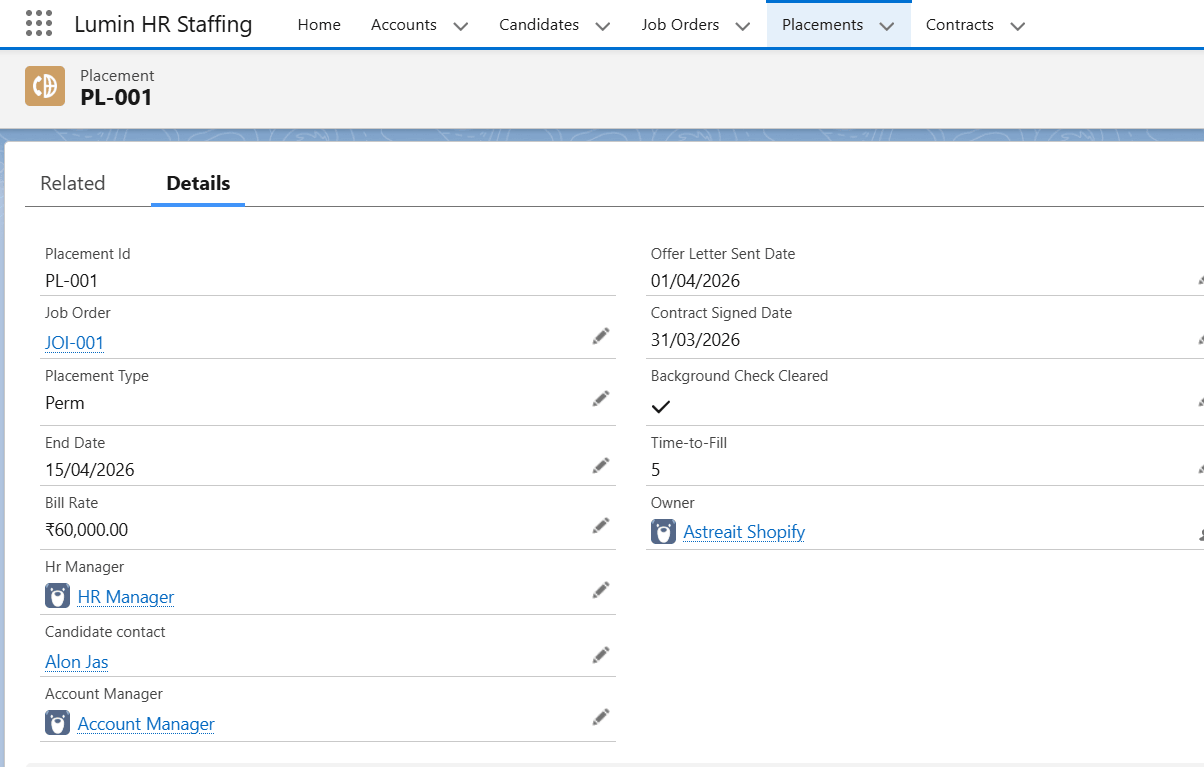
Placement and Full Onboarding
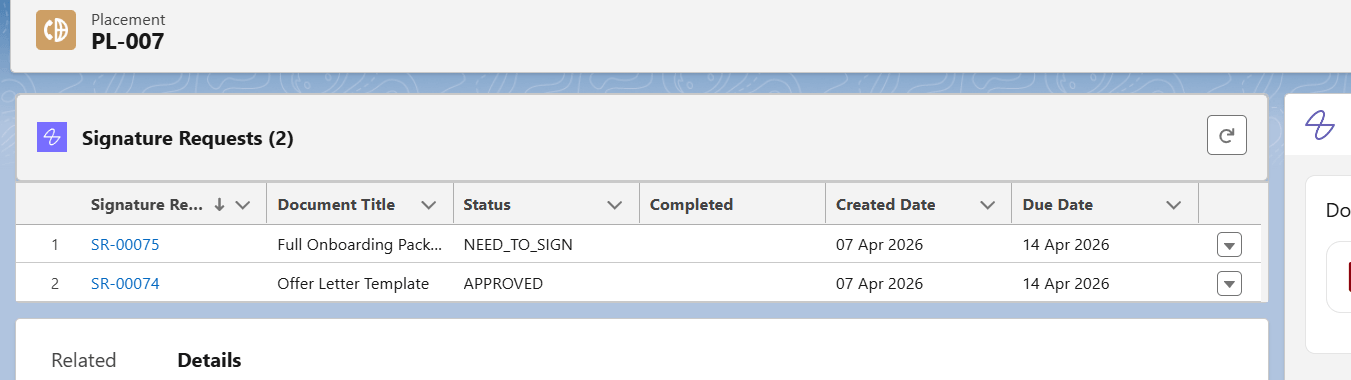
Placement is the central record that links the Candidate to the Job Order and stores candidate details, job details, job type, bill rate, and placement status. When the placement is created, the offer letter is generated and sent for signature by email. Once both signatures are completed, the signed document is attached to the record. When the placement becomes Active, the onboarding packet is generated and sent for signature in the same way.
Document attached to the record.
Contract Management
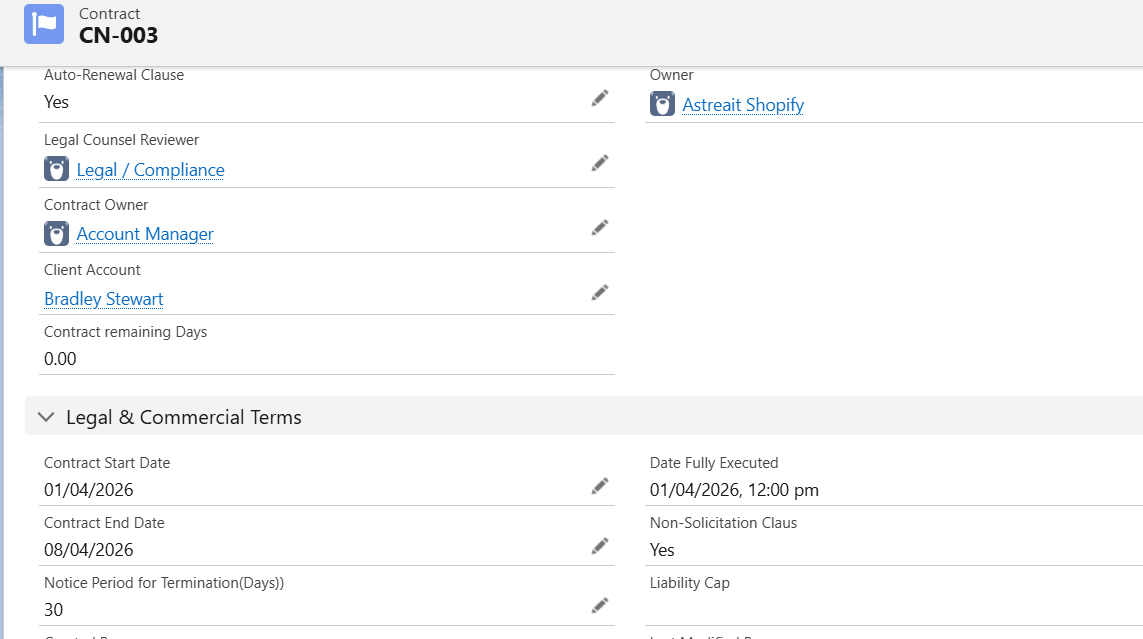
contract is tracks all active agreements between the staffing firm and its clients. If the contract end date is within 30 days, a renewal or extension agreement is automatically sent to the client for signature. The recipient reviews, signs, and completes it by email, and the signed document is then attached to the record.
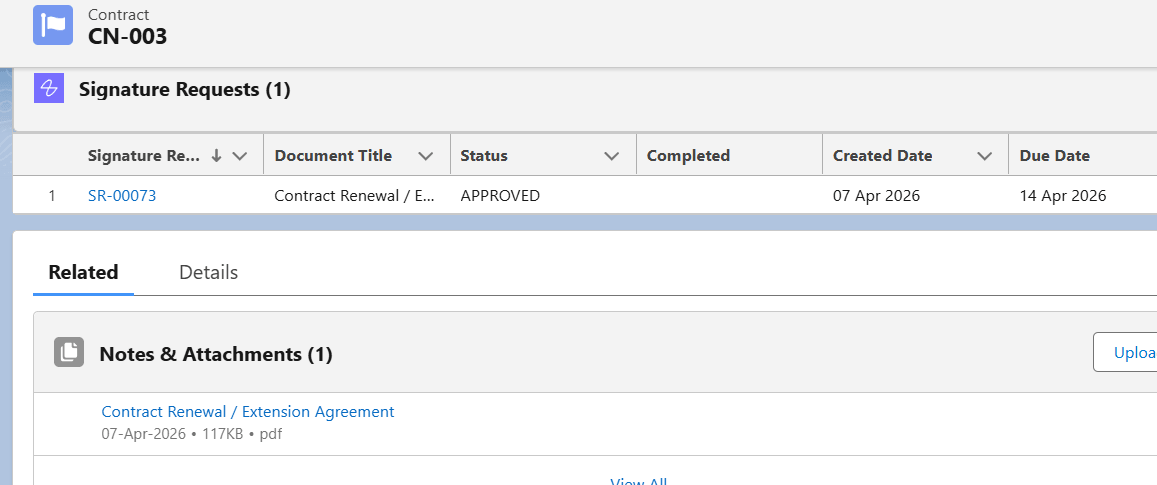
Document attached to the record.
Lumin streamlines HR staffing docs end-to-end in Salesforce. It boosts efficiency with auto-generation, eSigning, and real-time tracking.
Have questions? Learn more about our services at support@astreait.com or visit astreait.com to schedule a consultation.