Introduction
Implementing an accounting solution requires more than simply installing an application—it involves configuring the foundational components that support day-to-day financial operations. Accounting Seed, a native accounting application built on the Salesforce Platform, provides a comprehensive setup area where administrators can configure ledgers, accounting periods, products, tax settings, automation, and other accounting preferences.
Understanding the Setup menu is one of the first steps toward a successful Accounting Seed implementation. Each section plays an important role in ensuring that financial transactions are recorded accurately and business processes run smoothly.
In this article, we'll explore the major sections of the Accounting Seed Setup menu and understand how they contribute to a well-configured accounting environment.
Exploring the Accounting Seed Setup Menu
To access the setup area, navigate to:
Accounting Seed → Setup
The Setup page is organized into several categories that simplify system configuration and administration.
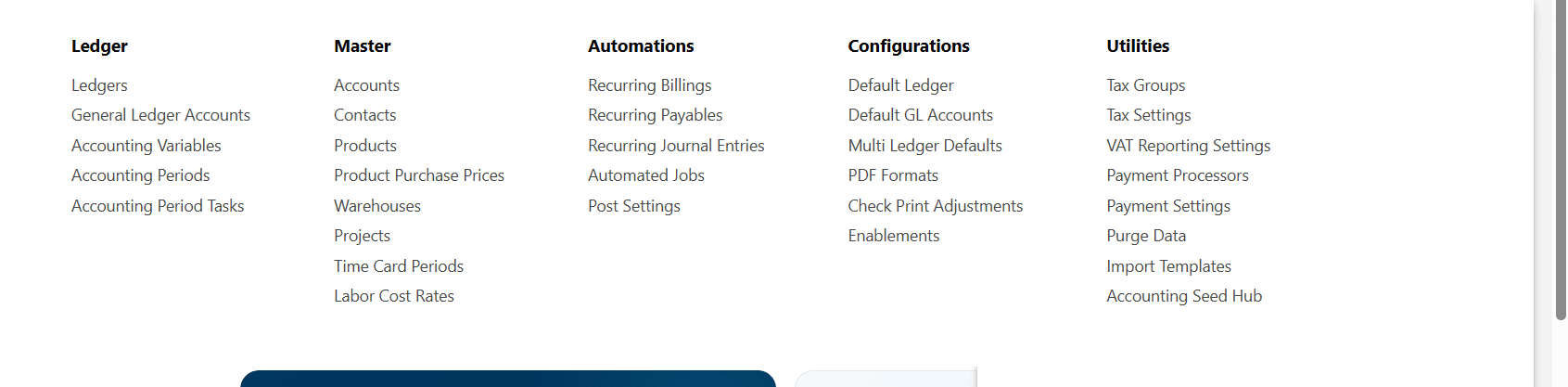
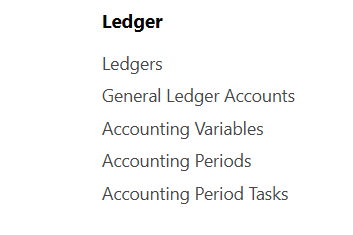
Ledger
The Ledger section contains the core accounting structure of the organization. Every accounting transaction in Accounting Seed is associated with a Ledger.
This section includes:
- Ledgers
- General Ledger Accounts
- Accounting Variables
- Accounting Periods
- Accounting Period Tasks
The Ledger defines how financial data is recorded and reported, while General Ledger Accounts classify financial transactions into assets, liabilities, revenue, expenses, and equity.
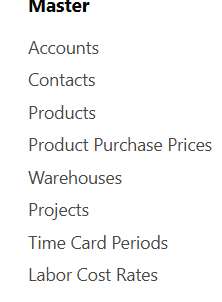
Master Data
The Master section stores the business records used throughout the accounting process. It includes:
- Accounts
- Contacts
- Products
- Product Purchase Prices
- Warehouses
- Projects
- Time Card Periods
- Labor Cost Rates
These records act as the foundation for transactions such as Billings, Purchase Orders, Cash Receipts, and Vendor Bills.
For example, Products can be linked to Revenue General Ledger Accounts, ensuring that revenue is categorized correctly during financial processing.
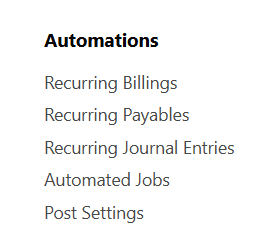
Automations
Accounting Seed offers built-in automation capabilities to reduce manual effort and improve consistency.
The Automations section includes:
- Recurring Billings
- Recurring Payables
- Recurring Journal Entries
- Automated Jobs
- Post Settings
These features allow organizations to automate repetitive accounting activities such as monthly invoices, recurring expenses, and scheduled financial processes.
Configurations
The Configurations section contains the accounting preferences that determine how Accounting Seed behaves.
This area includes:
- Default Ledger
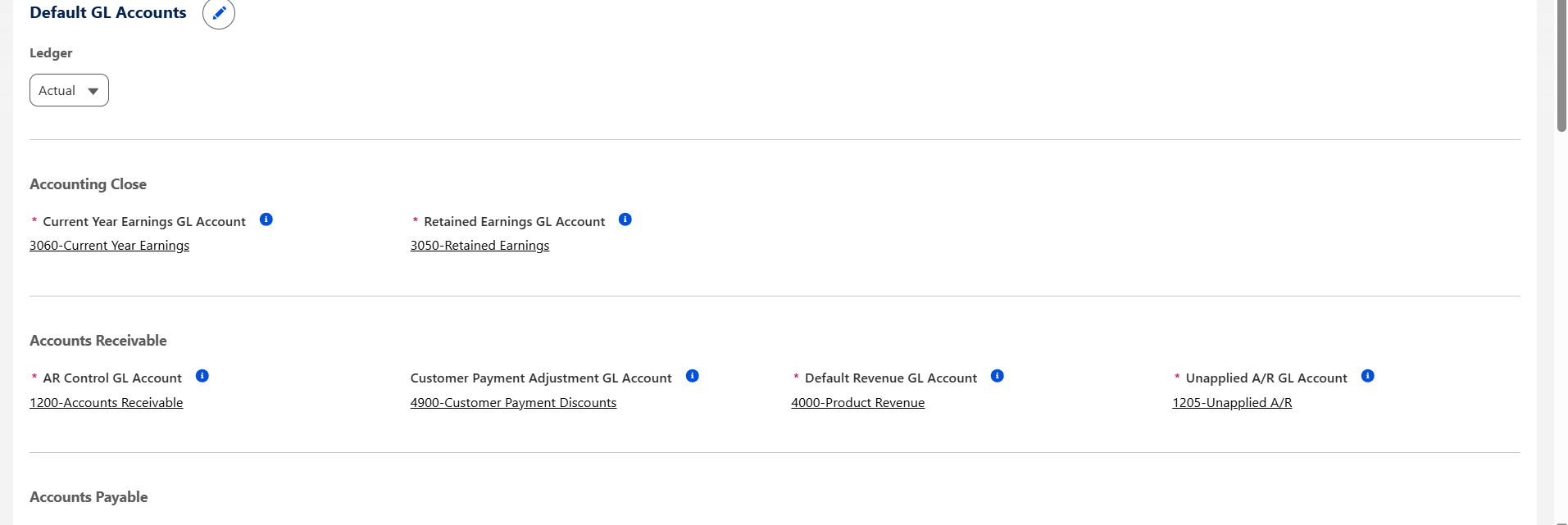
- Default General Ledger Accounts
- Multi Ledger Defaults
- PDF Formats
- Check Print Adjustments
- Enablements
Default General Ledger Accounts are particularly important because they define the accounts used for Accounts Receivable, Revenue, Retained Earnings, and other standard accounting transactions.
Proper configuration helps ensure accurate posting and minimizes accounting errors.
Utilities
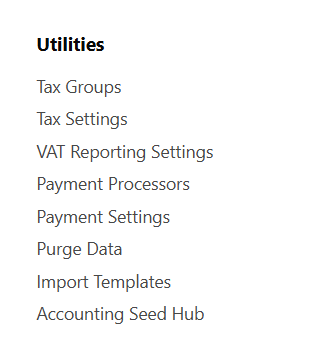
The Utilities section provides supporting features that help organizations manage taxation, payment processing, imports, and system maintenance.
Available options include:
- Tax Groups
- Tax Settings
- VAT Reporting Settings
- Payment Processors
- Payment Settings
- Purge Data
- Import Templates
- Accounting Seed Hub
These utilities simplify administrative tasks while helping organizations maintain compliance with tax and reporting requirements.
Why Understanding the Setup Menu Matters
Before creating Billings, Purchase Orders, Cash Receipts, or other accounting transactions, administrators should ensure that the Setup menu is configured correctly.
A well-configured environment helps organizations:
- Maintain accurate financial records.
- Reduce manual data entry.
- Improve consistency across accounting processes.
- Support automated accounting workflows.
- Minimize posting and configuration errors.
Investing time in understanding the Setup menu creates a strong foundation for future accounting operations.
Best Practices
When configuring Accounting Seed, consider the following recommendations:
- Configure Ledgers before processing financial transactions.
- Organize General Ledger Accounts according to your organization's accounting structure.
- Keep Accounting Periods up to date and close completed periods as part of the month-end process.
- Review Default General Ledger Accounts before creating customer invoices or vendor transactions.
- Enable automation features only after validating accounting configurations.
- Regularly review tax and payment settings to ensure compliance with business requirements.
Conclusion
The Accounting Seed Setup menu serves as the foundation of the application's accounting capabilities. From Ledgers and General Ledger Accounts to Automation and Utilities, each section contributes to building a reliable and efficient accounting environment within Salesforce.
By understanding these configuration areas, Salesforce Administrators, Consultants, and Finance teams can implement Accounting Seed more effectively and reduce potential issues during daily financial operations.
Whether you're beginning your Accounting Seed journey or reviewing an existing implementation, a solid understanding of the Setup menu is an essential first step toward successful financial management on the Salesforce Platform
If you're interested in exploring more Accounting seed solutions, visit our Accounting Seed page.
For any queries please reach out to support@astreait.com