Klipfolio is a cloud dashboard platform for building capable business dashboards for your group or your customers. It has a lot of option to connect your data for the visualization. It supports numerous APIs from a variety of different app providers.
Klipfolio support built-in formula editor so that you can transform, filter, combine data before visualizing it. You can view your Dashboards from your desktop, mobile, TV and tablets. Also you can share these visualizations with your teammates by granting access to them.
Klipfolio supports a wide range of integrations and allows users to connect data from various platforms including CRMs, databases, and APIs. One of the common use cases is integrating Salesforce data with Klipfolio dashboards to visualize CRM metrics such as opportunities, leads, and sales performance. By using SOQL queries in Klipfolio, developers can create custom data sources that fetch Salesforce data directly into dashboards.
In this article, we are going to discuss some of the noteable new features offered by Klipfolio.
Klipfolio has offered the following features:
-
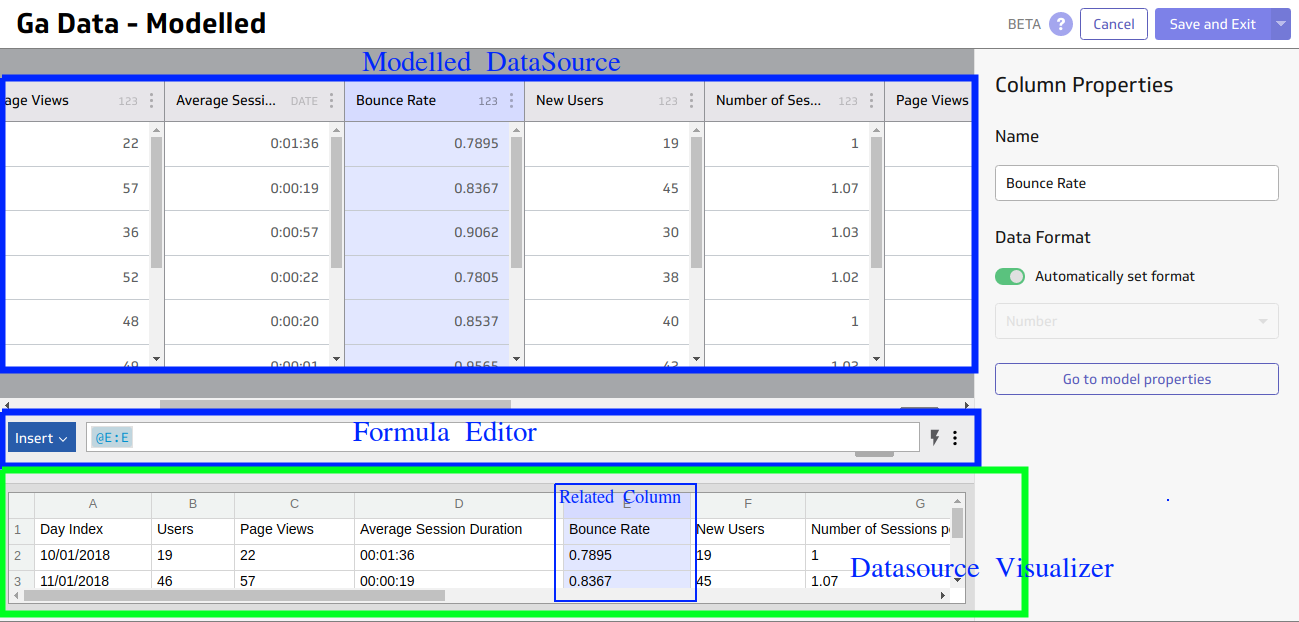
Now when you select a data source reference for a Modelled Data Source in a formula field of klip editor, it shows the related Modelled Data Source in the Data source visualizer which is at the bottom of the page and also selects the corresponding column in the data source.
-
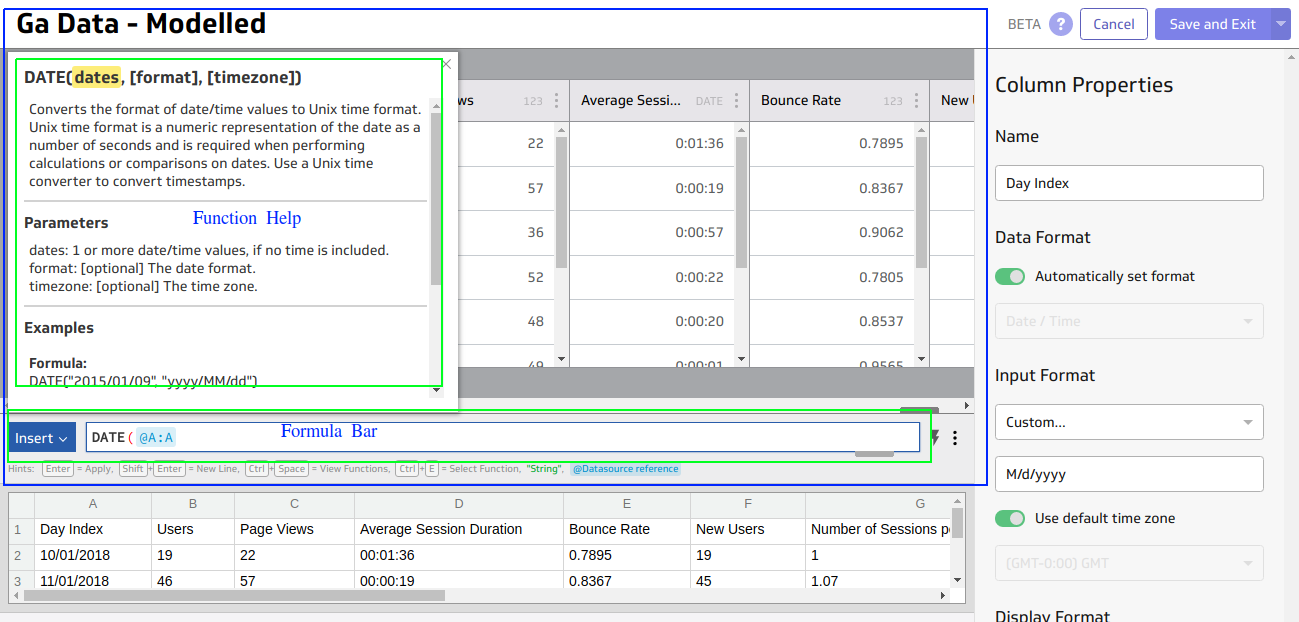
For Modelled Data source, function help is available again when working with formula bar.
-
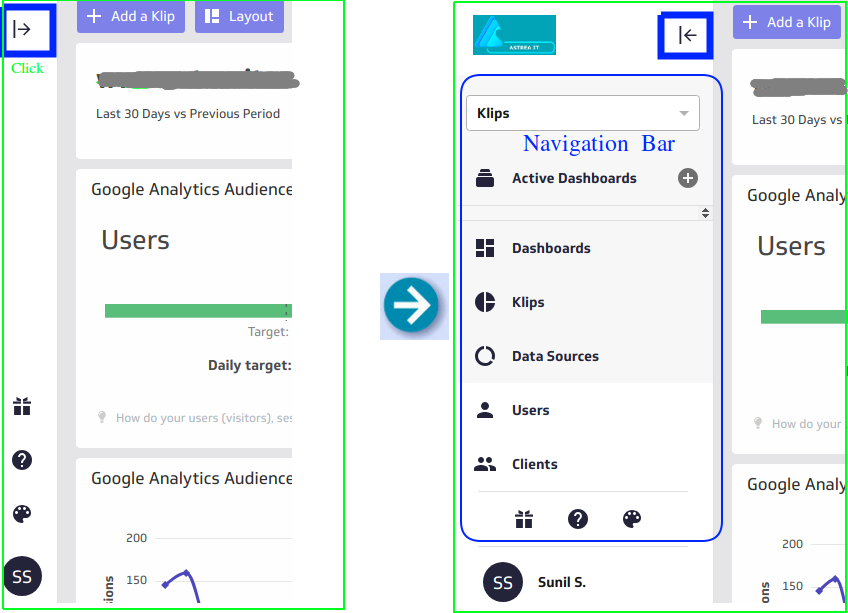
You can expand and collapse the Navigation Bar.
-
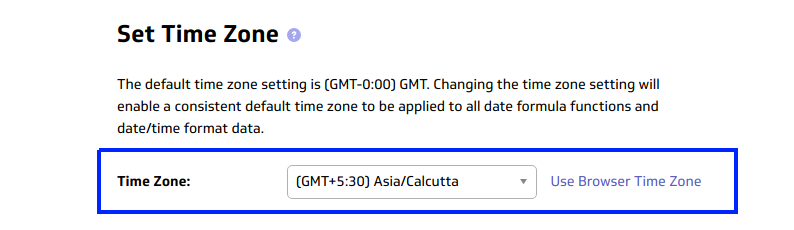
The option to set to your current browser timezone as your Account Time Zone is now working as expected.
-
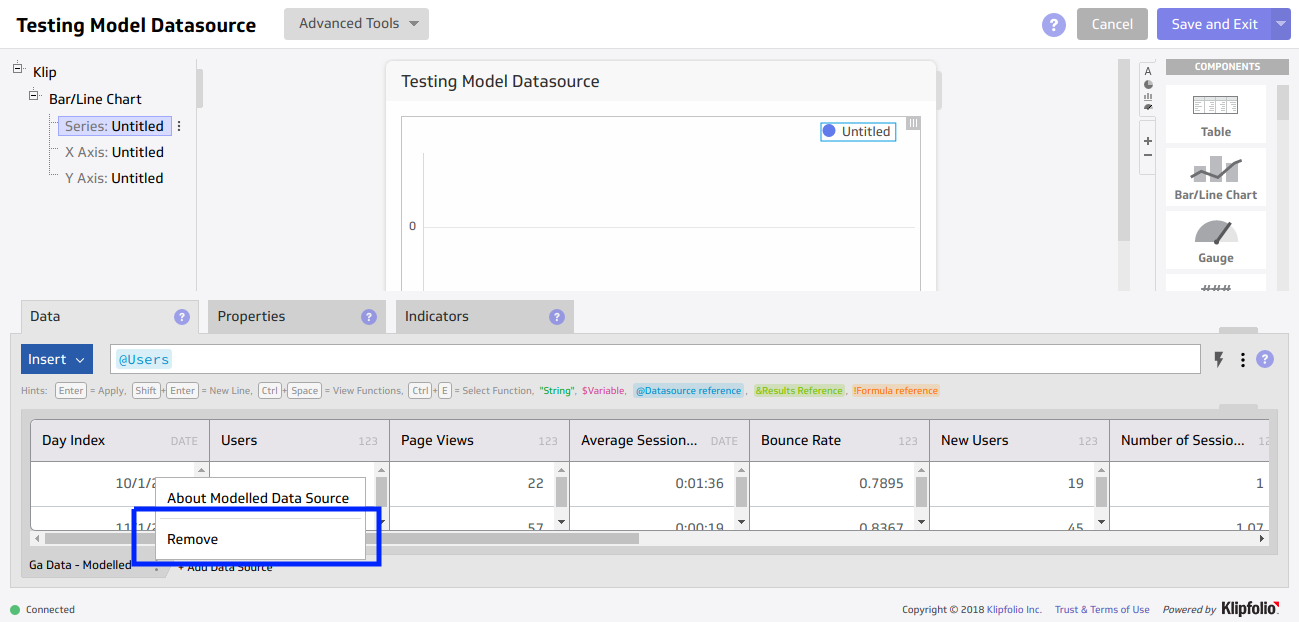
Modelled Data source can be removed from the Klip Editor.
-
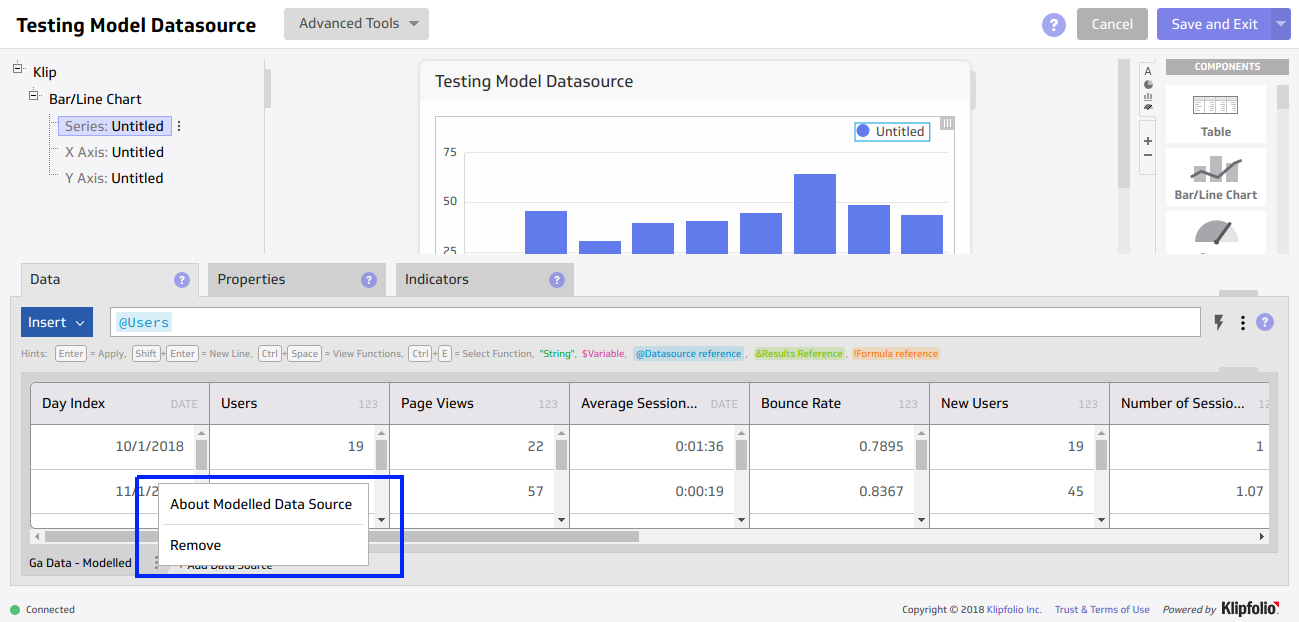
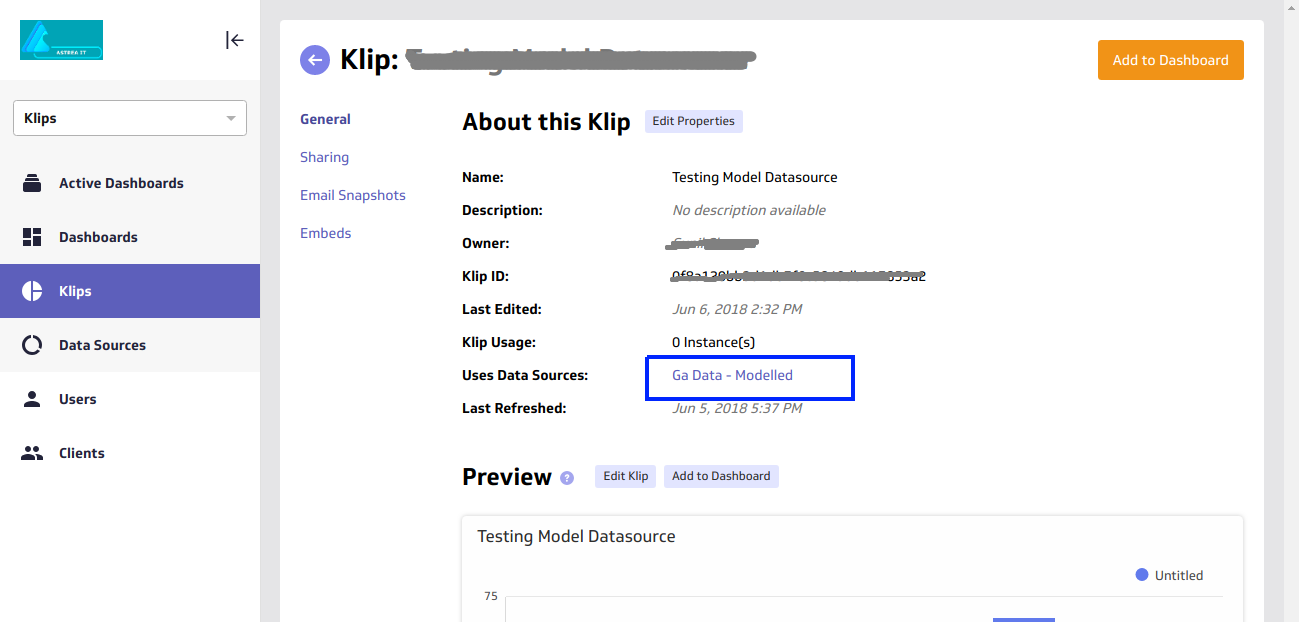
You can go to details page of modelled data source from the Klip Editor.
-
Instead of changing focus to the next or previous column, now arrow keys will move cursor position in the text field while modifying the name of the column.
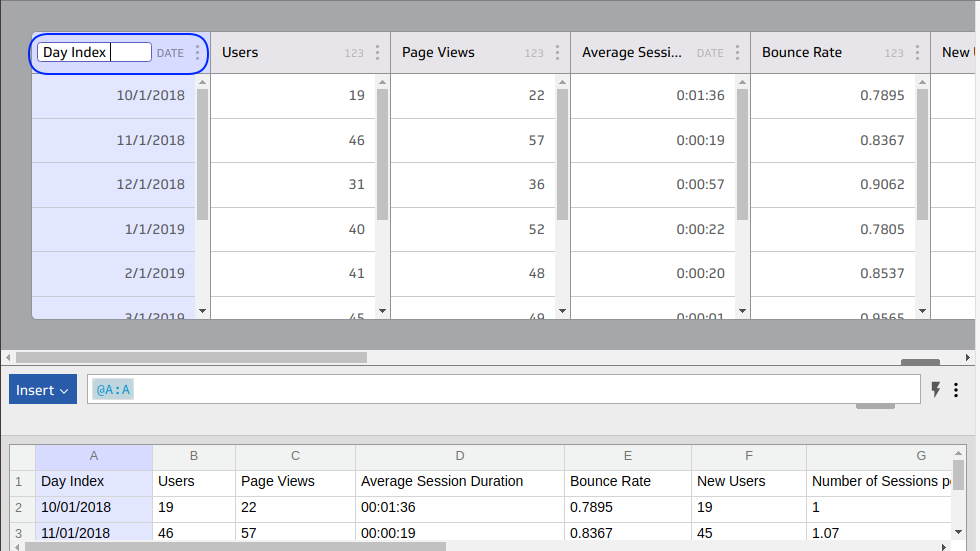
- You can use keyboard shortcuts for undo and redo while developing modelled data source.
-
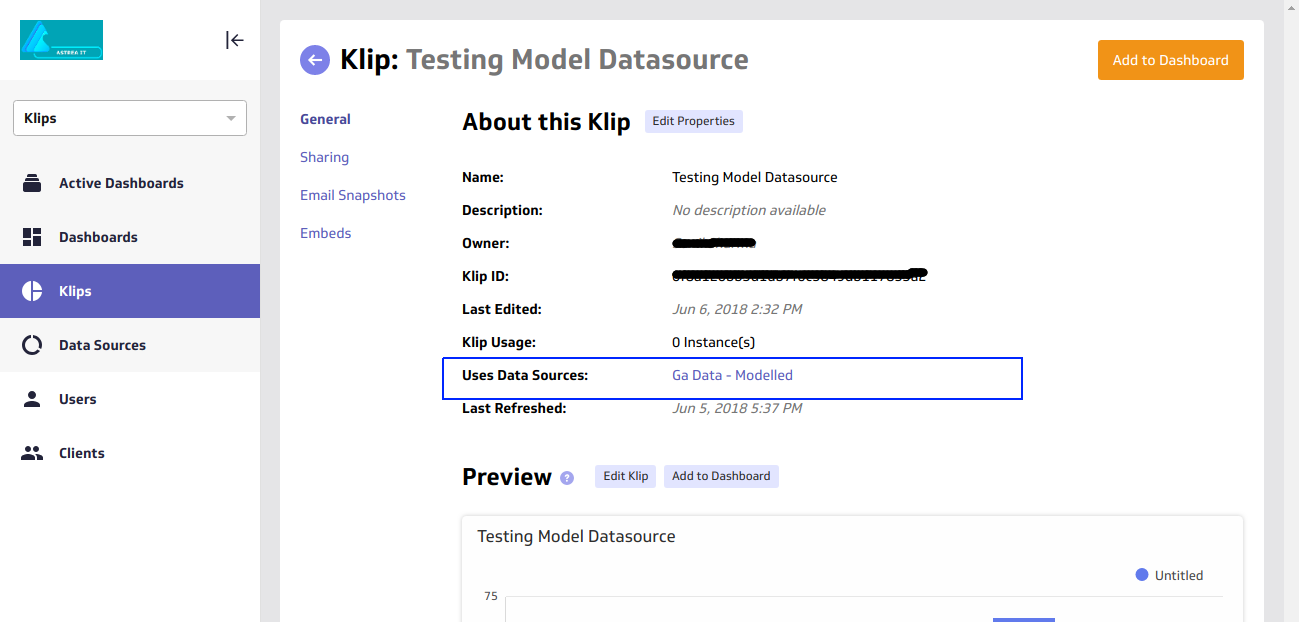
Modelled datasource are visible inside Klip Detail Page.
-
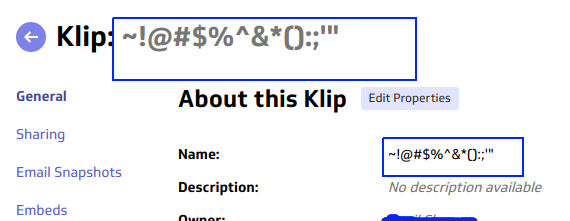
Klipfolio has provided improved support for the special character in the klip name.
-
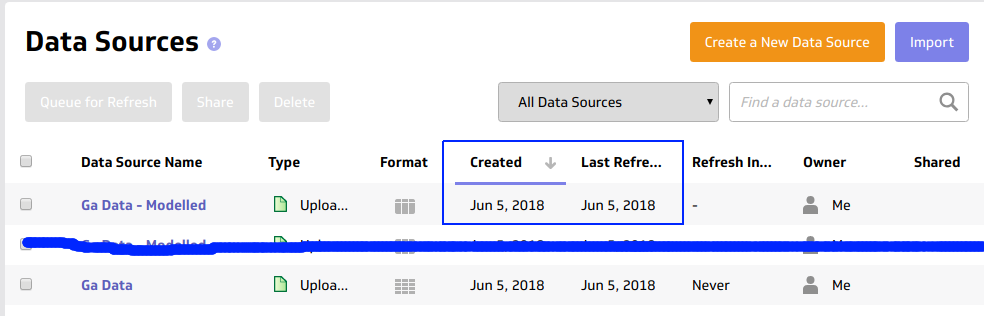
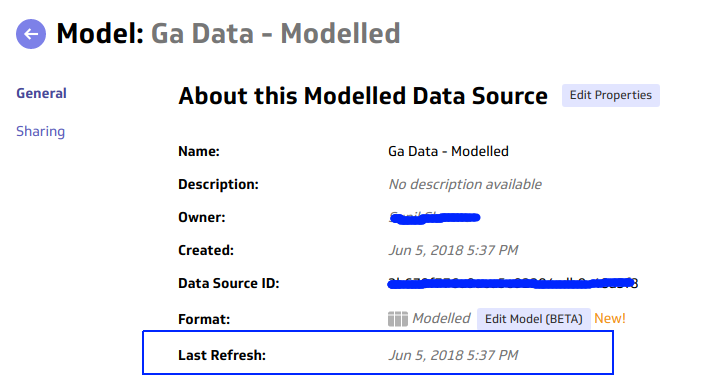
Refresh information of modelled data sources is now visible in library list and datasource information page.
-
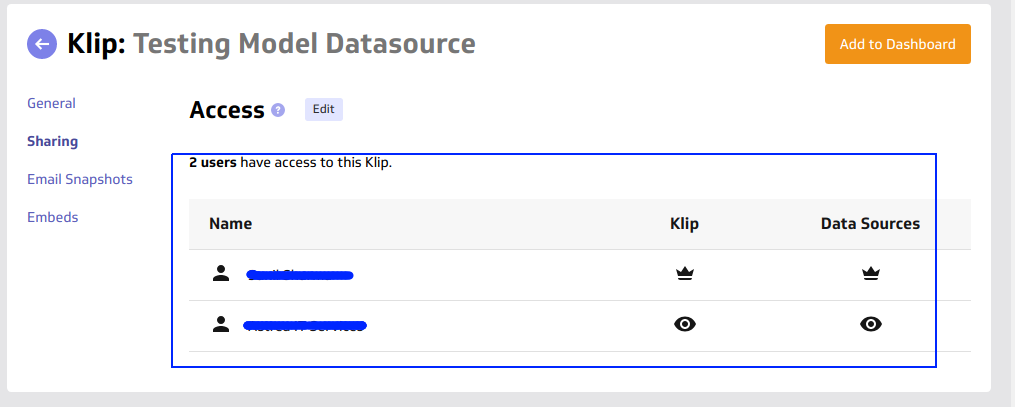
Klipfolio has improved the sharing UI. Now it’s more clear to know who has rights.