Lumin Insurance Application manages customer accounts, contacts, policies, claims, and KYC documents in one connected Salesforce experience. Streamline document review, digital signing, and secure file handling with Lumin integration. Improve insurance processing speed, compliance, and customer service with automated workflows.
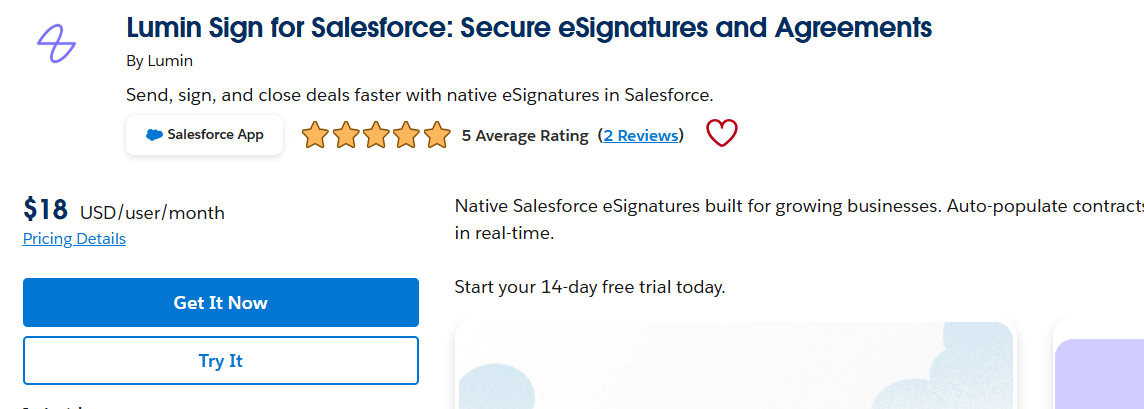
Install Lumin App:
Lumin: A cloud-based PDF editor for viewing, annotating, editing, signing, and collaborating on documents—right on desktop, or mobile. Install both apps to unlock the full power.
Core Objects and Streamlined Workflows
In an insurance application, Salesforce can manage customer and policy data, while Lumin handles document review, signature, and collaboration. This creates a smoother process for agents, customers, and operations teams.
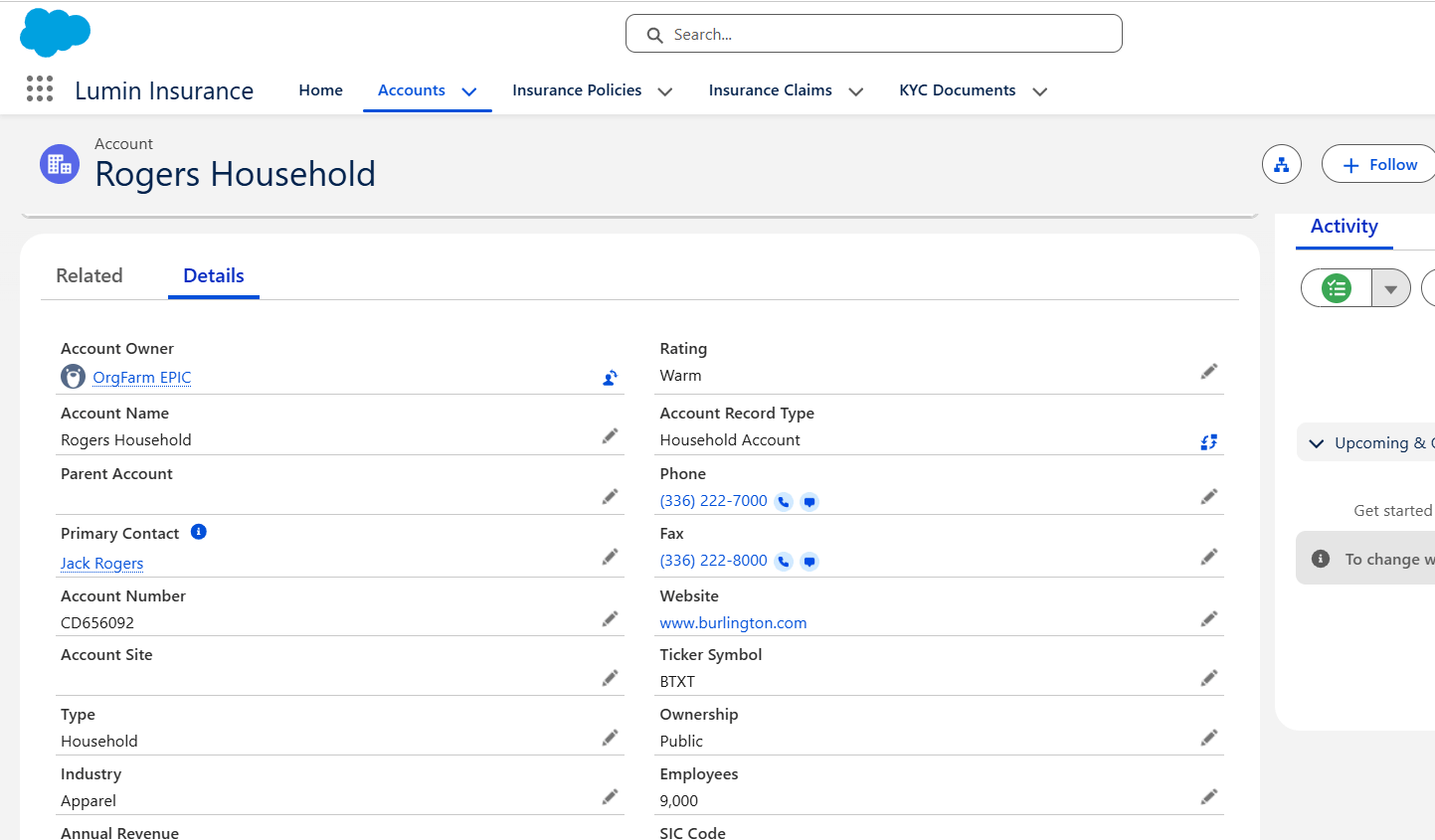
Step 1: Accounts
The process starts with the Account, which represents the customer, company, or insured party. It stores basic details like name, contact information, address, and relationship history. In an insurance process, the account acts as the parent record for all related insurance activity. It helps the team view the full customer profile in one place.
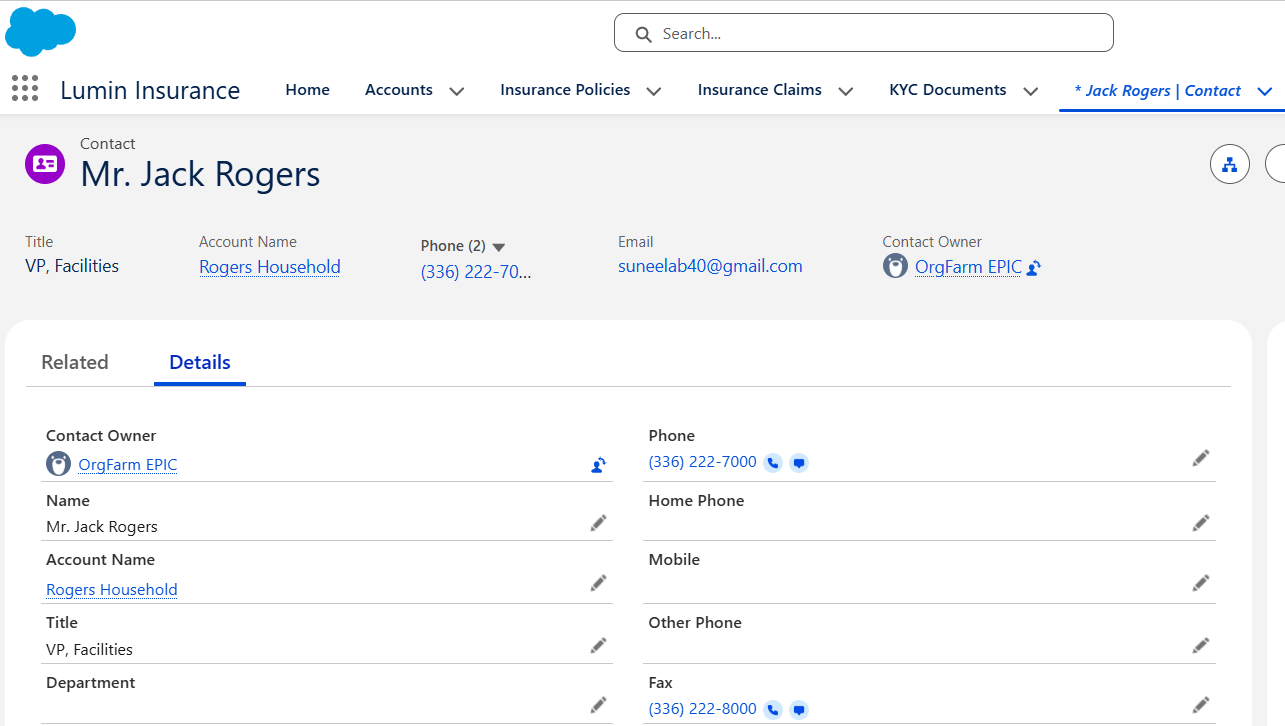
Step 2: Contact
The Contact record stores the people linked to the account, such as the policyholder, nominee, guardian, or representative. This is useful because insurance communication often happens with a person, not just a company. They also make it easier to manage multiple people under the same account.
Step 3: Insurance Policies
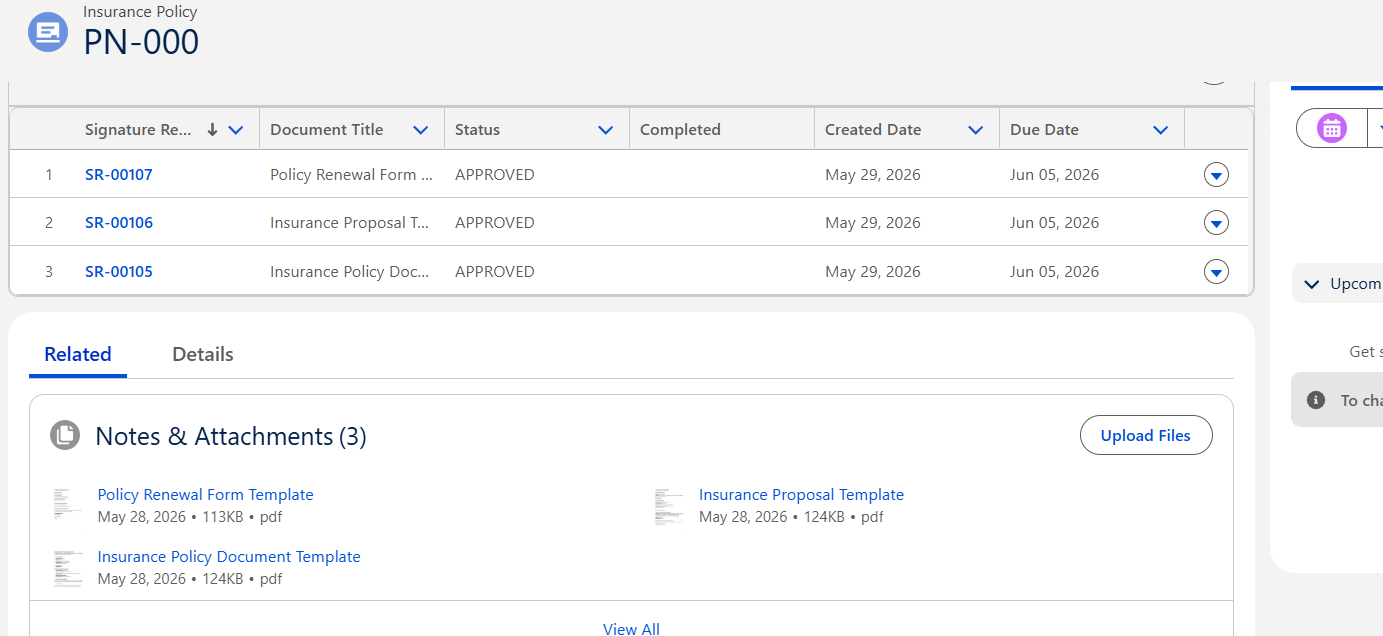
The Insurance Policy record stores key details and helps track the policy lifecycle in one place. When the user clicks Send Lumin Sign, the system generates the correct document based on Policy Status and sends it for signature by email:
- Draft = Insurance Proposal,
- Active = Policy Document, and
- Pending Renewal = Renewal Form.
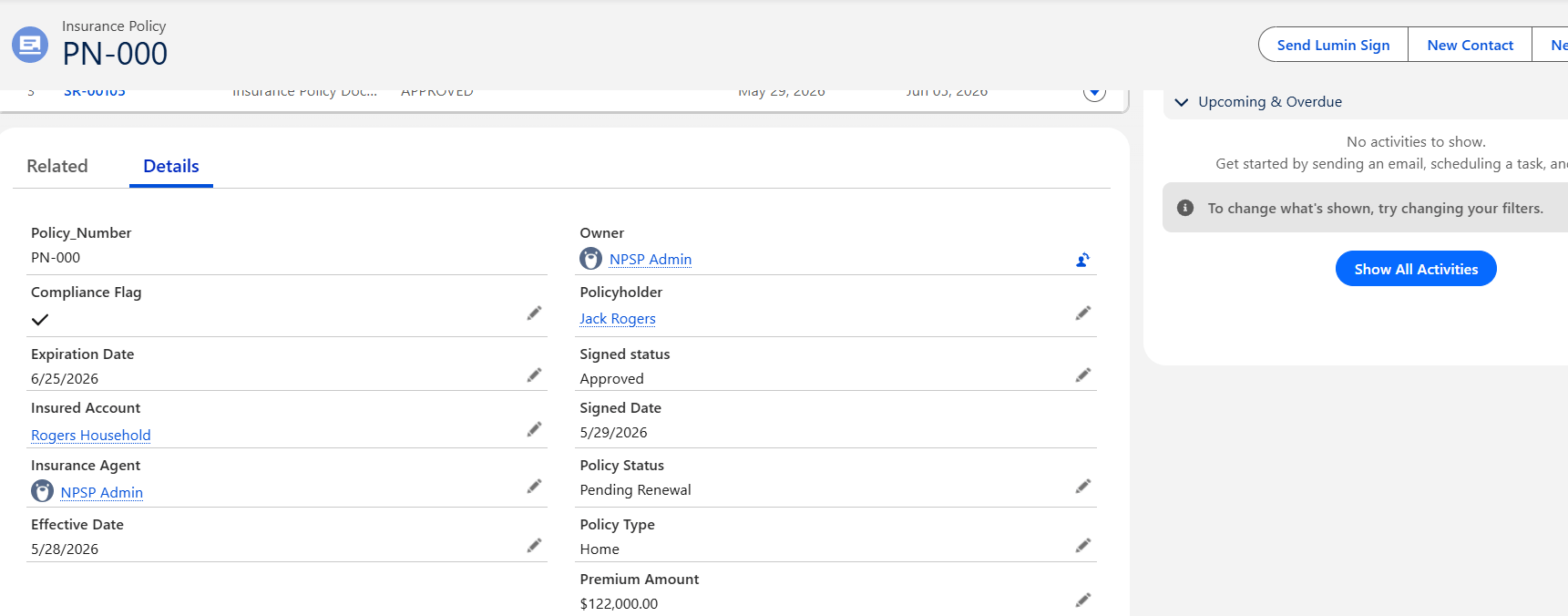
After signing, the sign status and sign date are updated, and the signed document is attached to the related record.
Step 4: Insurance Claim
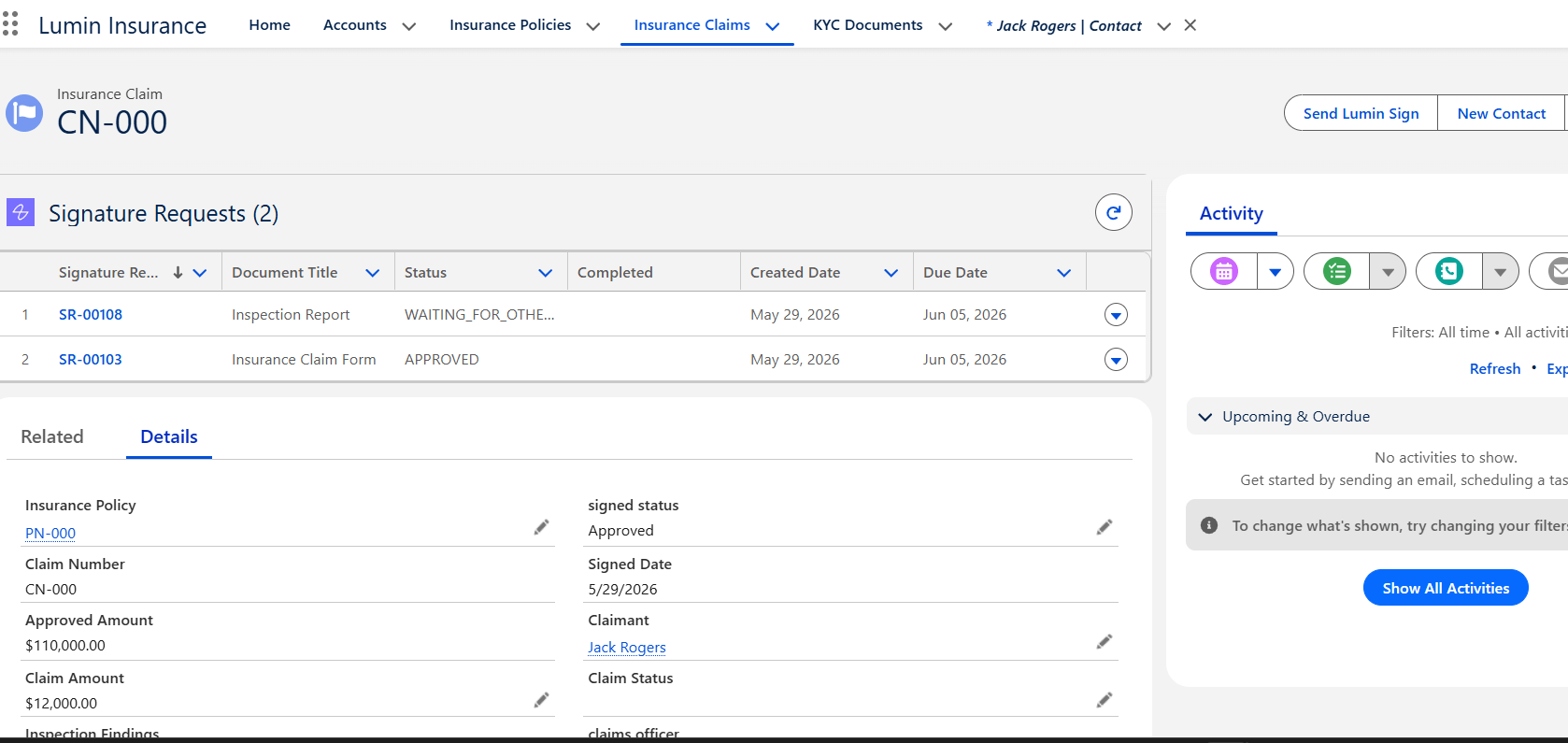
The Insurance Claim record is created when a customer reports a loss or requests a settlement. It stores claim details such as incident date, claim amount, claim status, and supporting documents. Based on Claim Status and Inspection Required, when the user clicks on Send Lumin Sign, the system generates the correct document: Claim Status =Draft, then Claim Form, and Inspection Required = TRUE, then Inspection Report. After signing, the sign status and sign date are updated automatically.
Step 5: KYC Documents
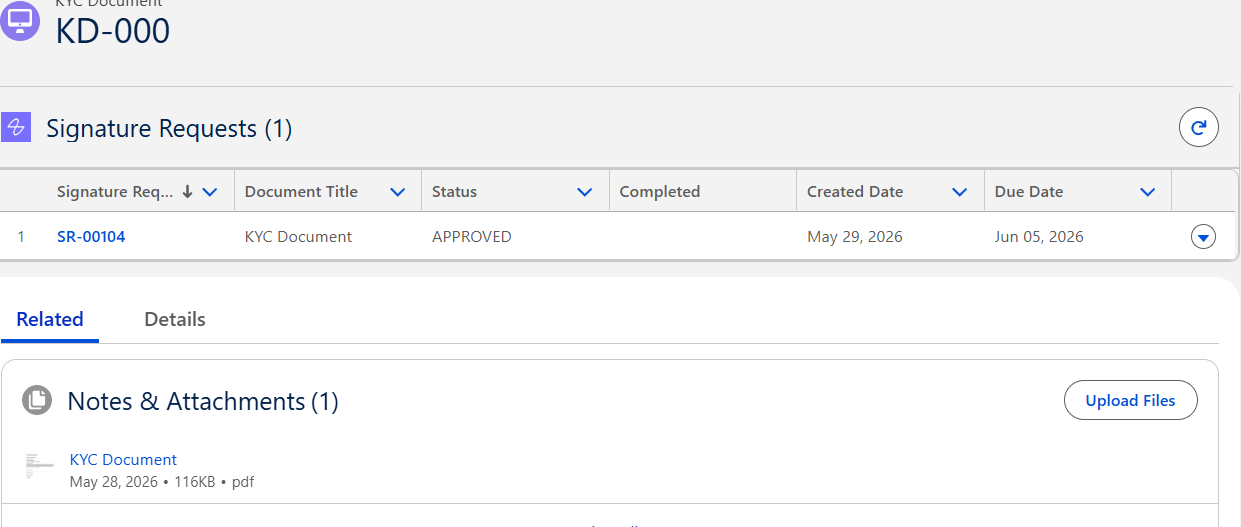
KYC Documents are used to verify customer identity and meet compliance requirements. In Salesforce, the KYC record manages these documents, and when Verified = true, when the user clicks on Send Lumin Sign, , the system treats it as a completed KYC Document and attaches it to the record.
Using Salesforce with Lumin gives insurance teams a simple and reliable way to manage customer data, policies, claims, and KYC documents in one connected flow. It saves time, improves compliance, and makes document handling much easier for both internal teams and customers.
Benefits of Salesforce and Lumin for Insurance
Using Salesforce with Lumin gives insurance teams a simple and reliable way to manage customer data, policies, claims, and KYC documents in one connected flow. It saves time, improves compliance, and makes document handling much easier for both internal teams and customers.
Related Resources
Explore how Lumin and Salesforce can transform document-centric processes across other industries:
- Streamline HR Staffing: End-to-End Automation from Client Onboarding to Contracts with Lumin on Salesforce
- Streamline Nonprofit Operations: Introducing Our Lumin Non-Profits & NGOs App for Donors, Grants, and Volunteers
- Accelerate Law Firm Revenue: Introducing Lumin eSign for Contracts, NDAs, and Engagement Letters
For any queries please reach out to support@astreait.com